Delete Account
From the mobile app only, users can delete their accounts. To delete an account, users need to follow the steps mentioned below:
01
Open the Muzyfy app on your device.
02
Log in with your account credentials (if you are not already logged in).
03
Tap the ☰ menu button in the top-left corner of the dashboard. This will open a drawer containing all the feature shortcuts of the app. Among these shortcuts, there is an option labeled “Deactivate Account.”

04
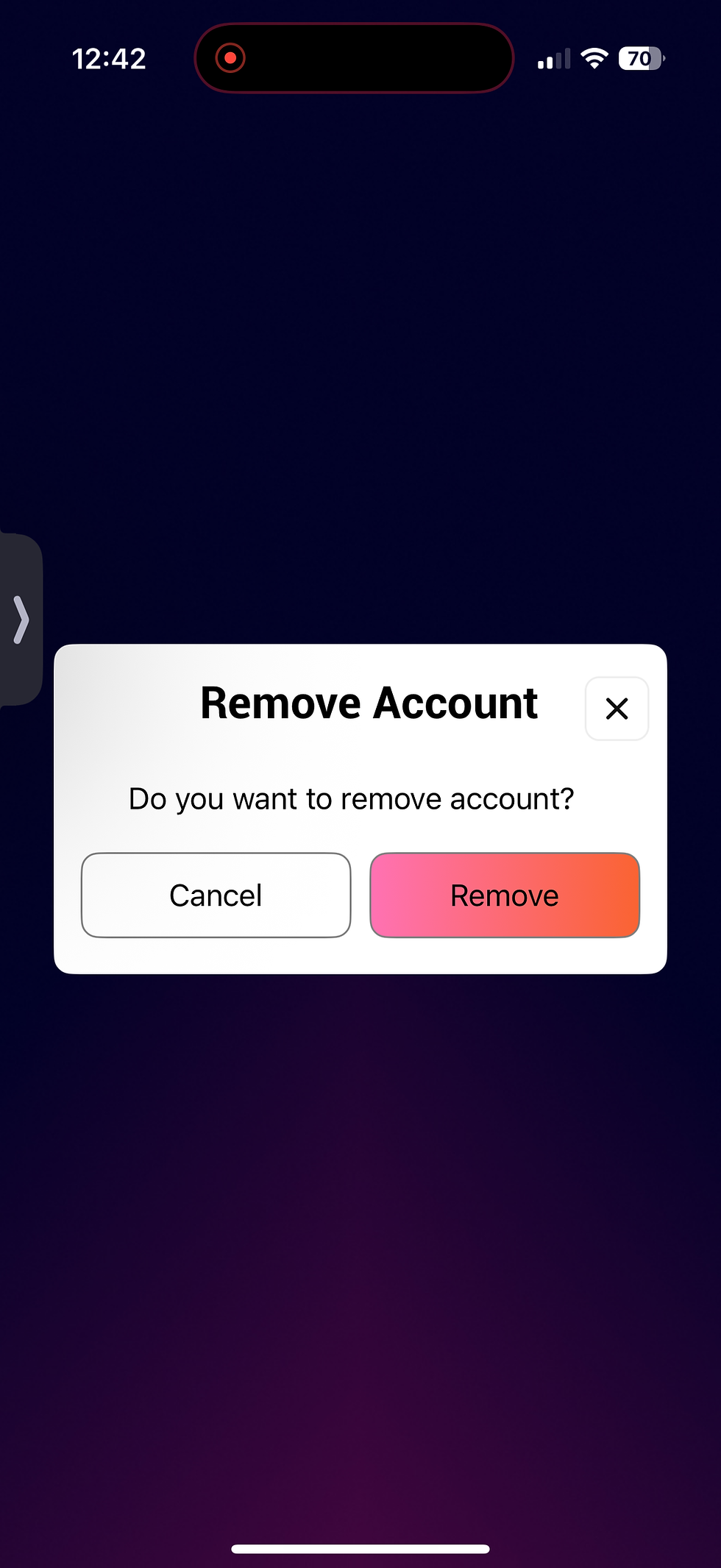
To delete an account please select “Deactivate Account.” A confirmation pop-up will appear with the message:
“Are you sure you want to delete your account?”
Two buttons will be displayed: “Cancel” and “Remove/Delete.”
-
If you tap “Cancel,” you will be navigated back to the drawer section.
-
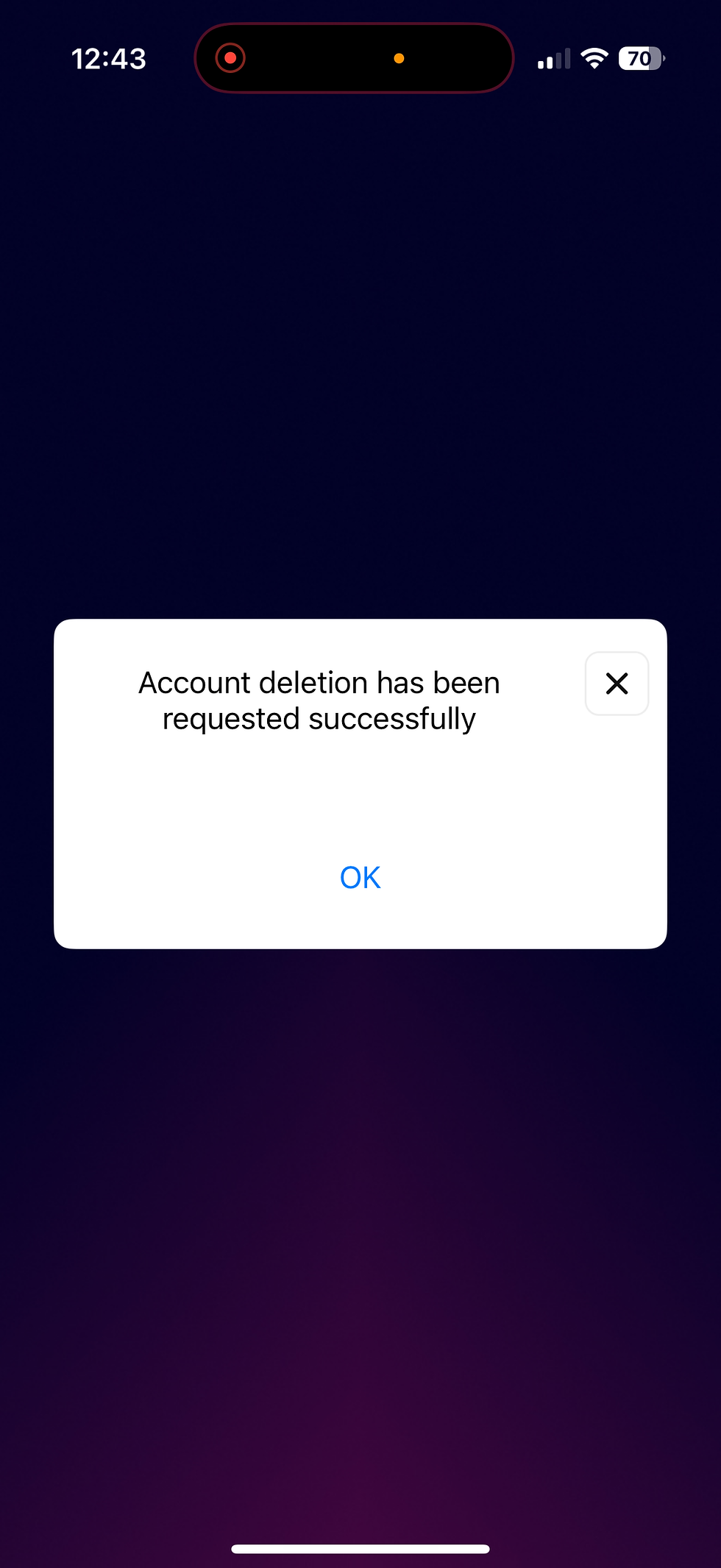
If you tap “Remove/Delete,” your account will be permanently deleted and a confirmation pop-up will appear stating: “Account deleted successfully.”